The STL viewer for Android that works offline
Open 3D print files on your phone or tablet, check their size, volume and a filament estimate, and look inside before you print. No account, and your models never leave the device.
Get it on Google PlayFree to download. Premium is optional: a one-time purchase or a yearly subscription.
See it in action
Free in every download
Everything you need to open a model and decide whether it is ready to print, without paying.
STL, OBJ, 3MF and PLY
Binary and ASCII STL, OBJ with its MTL colors, 3MF with units and colors, ASCII and binary PLY.
Smooth 3D view
One finger rotates, two fingers pan, pinch zooms and a double tap resets the view.
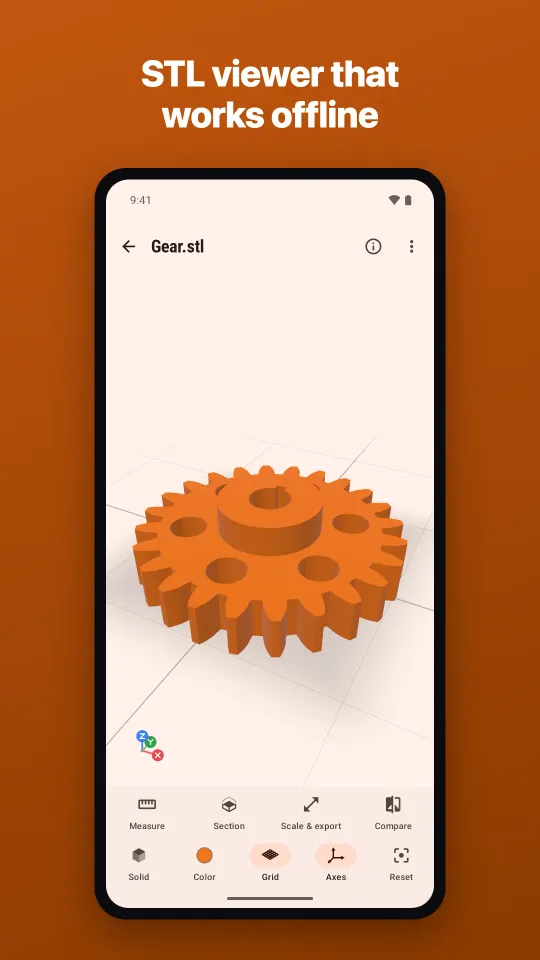
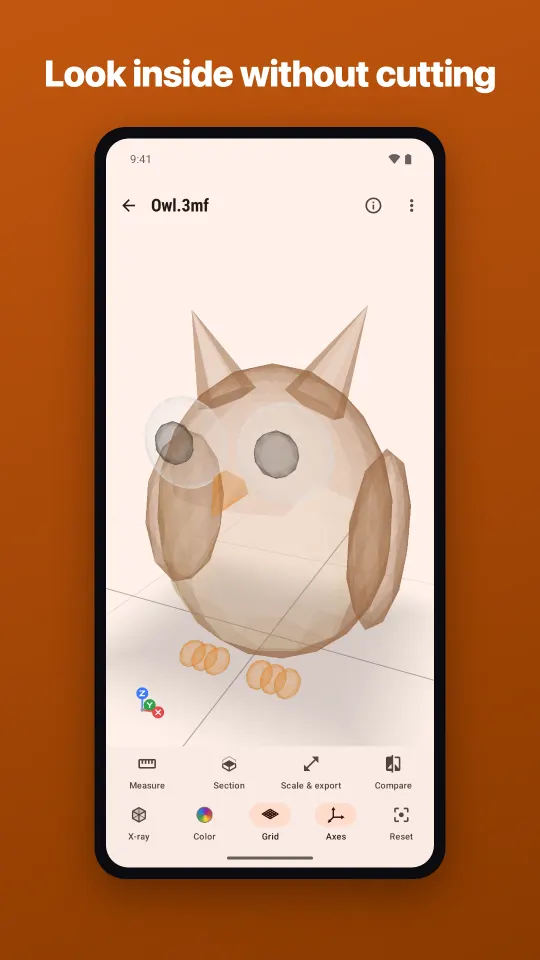
Solid, wireframe and x-ray
Switch view modes, show the print bed grid and XYZ axes, and pick a model color or use the file's own colors.
Model info
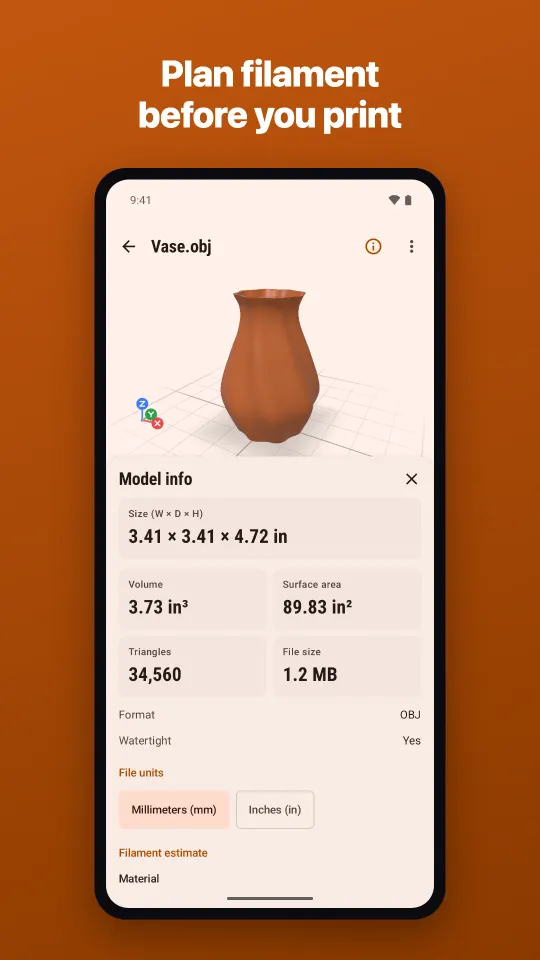
Width, depth and height in mm or inches, triangles, volume, surface area, file size and a closed (watertight) mesh check.
Filament estimate
Estimated weight and length for PLA, PETG, ABS or TPU, 1.75 or 2.85 mm, with an infill slider.
Opens from any app
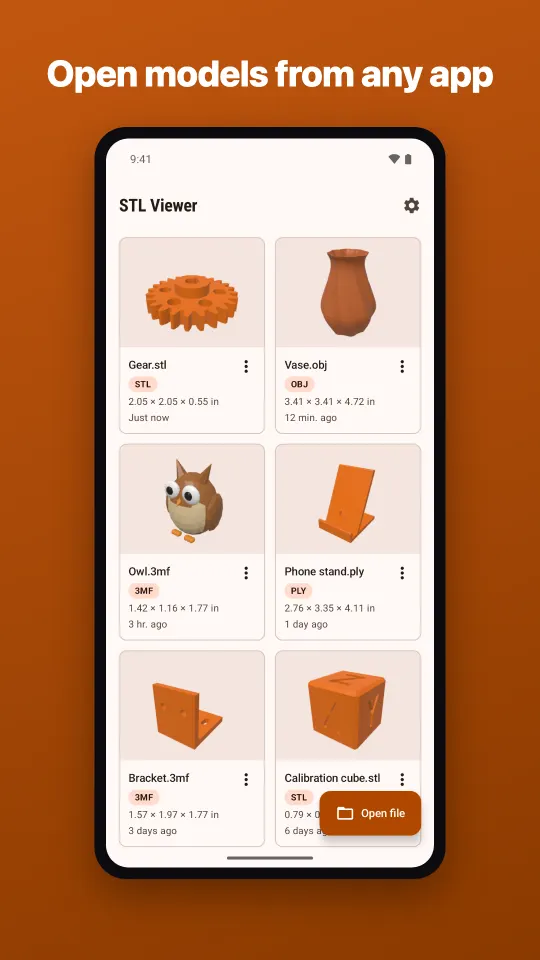
Use the file picker, "Open with" in a file manager, email or chat app, or the share menu.
Big files, no freeze
Large models load with progress and a Cancel button. Huge meshes show a simplified preview while stats use the full model.
Six sample models
A gear, a vase, a bracket, a phone stand, a calibration cube and an owl, ready to try right away.
Premium tools for serious checks
Unlock them with a one-time purchase or a yearly subscription. Premium also removes ads and keeps every recent file.
Measure
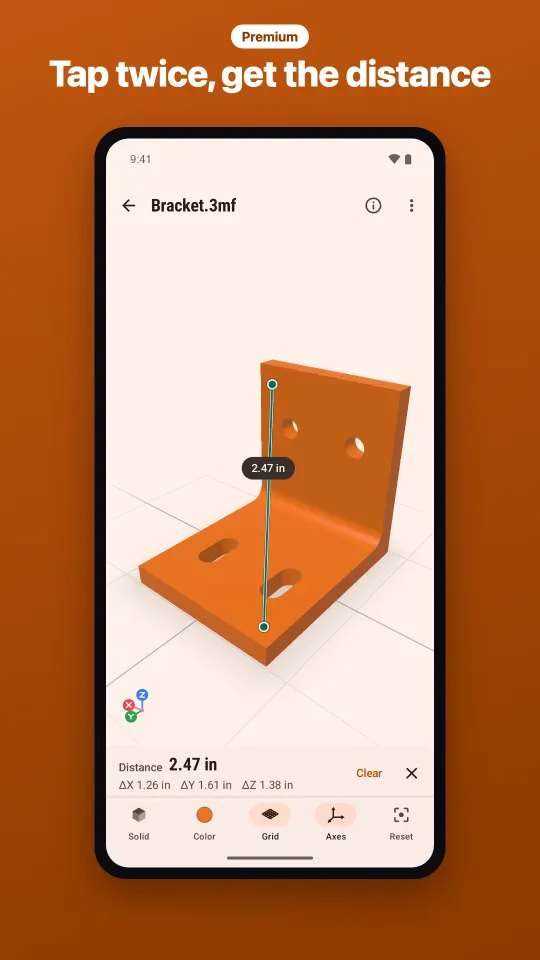
Tap two points on the surface to get the distance and the X, Y and Z differences. Free users can watch a short ad to measure once.
Section
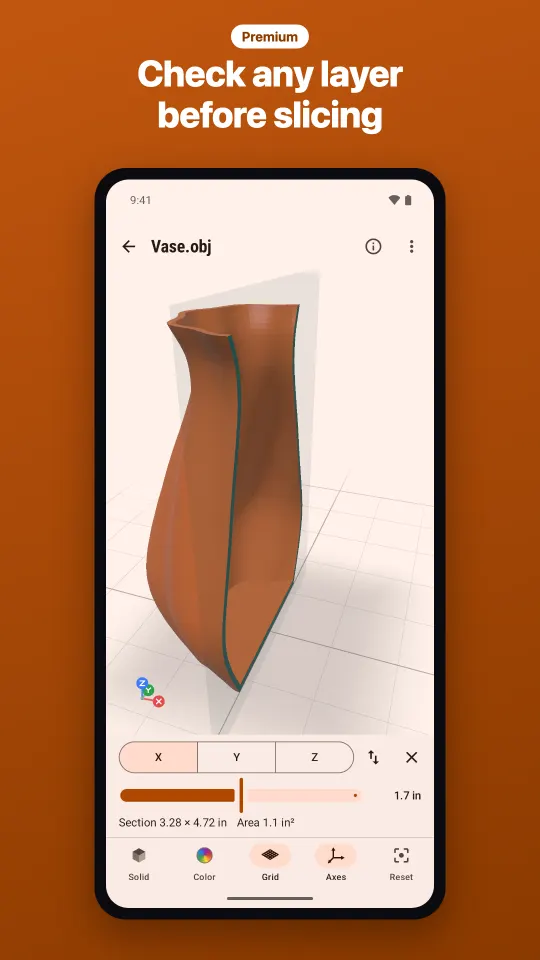
Cut the model along X, Y or Z with a solid cut face and read the section's width, height and area.
Scale & export
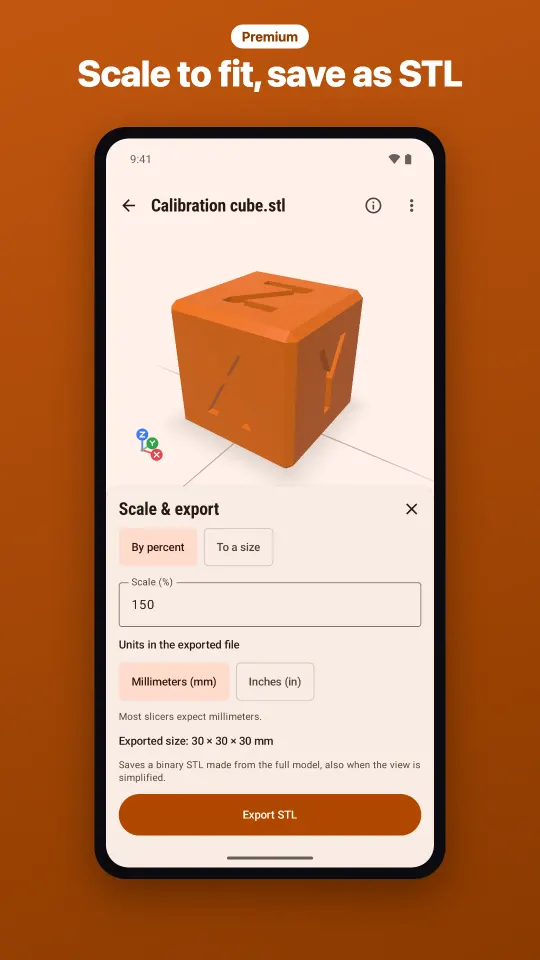
Scale by percent or to a target size, convert inches to millimeters and save the result as binary STL.
Compare
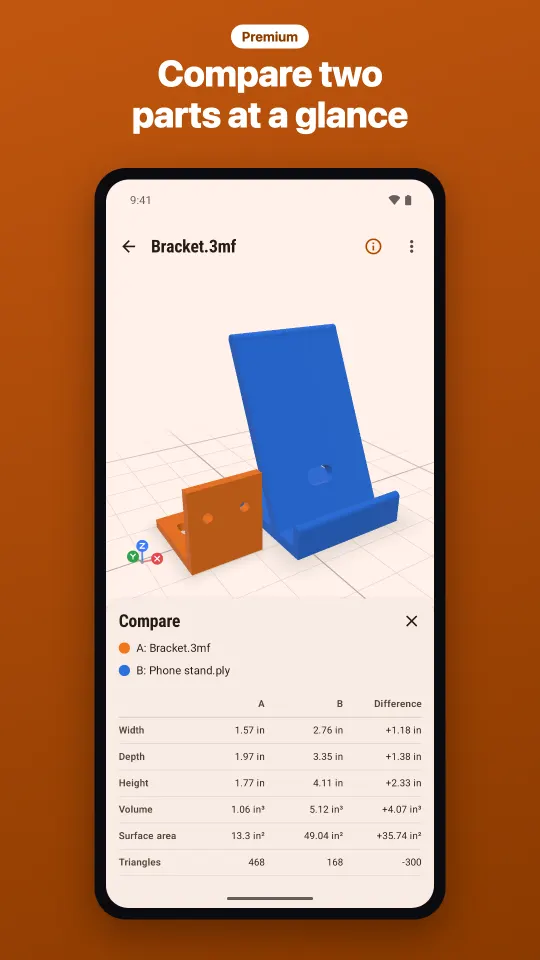
Open a second model next to the first and compare dimensions, volume and triangle count.
Which files can I open?
STL Viewer reads the mesh formats used for 3D printing and checks every file by its content, not just its name.
Supported
- STL: binary and ASCII
- OBJ: pick the MTL file too for colors
- 3MF: units, colors, several objects
- PLY: ASCII and binary, e.g. 3D scans
- ZIP: opens the largest model inside
Not supported (yet)
STEP, IGES, glTF/GLB, FBX, SCAD, DXF, DWG and G-code can't be opened. Export the model as STL, OBJ or 3MF from your CAD or 3D software first; the app tells you so when you try.
Made for people who print
Makers and hobbyists
Check a downloaded model before printing: does it fit the bed, and how much filament will it take?
Students
Open class projects anywhere, measure parts and look inside them with cross-sections.
Sellers of 3D models
Preview files before you send or list them and confirm their dimensions and scale.
Engineers and designers
Review parts in a meeting or on the shop floor, check sizes and compare two versions.
Your models stay on your phone
No account and no sign-in. Files are read on the device and never uploaded. Viewing, model info and the filament estimate work without internet; a connection is only used for ads and purchases. Privacy policy
Step-by-step guides
Short how-tos for every feature, from opening a file to exporting a scaled STL.
- How to open STL, OBJ, 3MF and PLY files on Android
- How to use view modes and gestures in STL Viewer
- How to check a 3D model's size and volume
- How to estimate filament for a 3D print
- How to measure a 3D model in STL Viewer
- How to see inside a 3D model with Section
- How to scale a 3D model and export it as STL
- How to compare two 3D models side by side
From the blog
Longer articles about 3D print files: formats, units, watertight meshes and getting a model ready to print.
- How to Open STL Files on Android (Offline, No PC Needed)
- Online STL Viewer vs an Offline App: Which Should You Use?
- STL Viewer for Windows 11 and 10, Plus a Check on Your Phone
- Free STL Viewer: What It Should Do and What You Get Without Paying
- 3D Model Viewer for Phone: STL, OBJ, 3MF and PLY Explained
- What Is an STL File? A Plain Guide for 3D Printing
- 3MF Viewer: What a 3MF File Is and How to Open It on Your Phone
- 3MF vs STL: Differences and When to Convert 3MF to STL
- OBJ Viewer: Open OBJ Files with Colors (OBJ + MTL) on Android
- PLY Viewer: What a PLY File Is and How to View 3D Scans on a Phone
Questions and answers
Is STL Viewer free?
Yes. Opening every supported format, all view modes, model info and the filament estimate are free. Premium adds Measure, Section, Scale & export, Compare, unlimited recent files and no ads.
Does the STL viewer work offline?
Yes. Viewing, model info and the filament estimate need no internet. A connection is only used for ads and purchases.
Is there a version for iPhone, Windows or Mac?
No. STL Viewer is an Android app for phones and tablets, available on Google Play.
Which units does it use?
STL, OBJ and PLY files store no unit, so millimeters are assumed; switch a file to inches if it was drawn in inches. 3MF files declare their unit. Sizes are shown in mm or inches, as you prefer.
Why is the filament amount an estimate?
It assumes a 0.8 mm solid shell (about two 0.4 mm lines) and your infill inside. Supports, brims and slicer settings change the real amount.
Are my files uploaded anywhere?
No. STL Viewer processes models on your device and never uploads them. There is no account.

Check your next print on your phone
Free STL, OBJ, 3MF and PLY viewer for Android. Works offline.